Sign Up Guide: Schedule Video Conferences
 Posted by Steven Borders
So many of us are adjusting to social distancing and are working from home. As a result, scheduling video conferences has become an essential way to do business, provide education, counseling or lessons. Online sign ups make it easy to coordinate and organize video conferences. Here is a simple guide along with best practices for creating your online video conference sign ups.
Create Sign Ups For:
- One-on-one meetings
- Teacher check-ins with students
- Online webinar sessions
- Virtual nursing home visits
- Online learning or instructional classes
How to Create a Video Conference Schedule
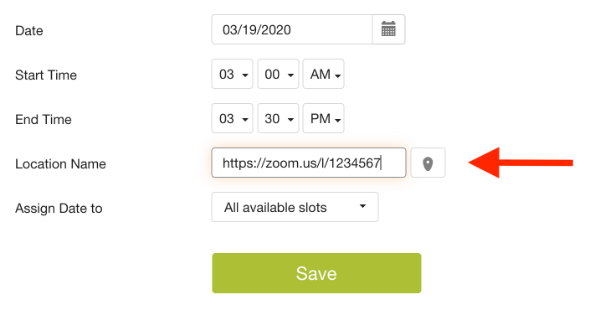
Get started creating your online sign up. You can provide general details about the sign up by clicking the pencil icon next to the text. Genius Tip: If you have the video conference link, you can paste that link in this field. You can also create a hyperlink in your text if you prefer.
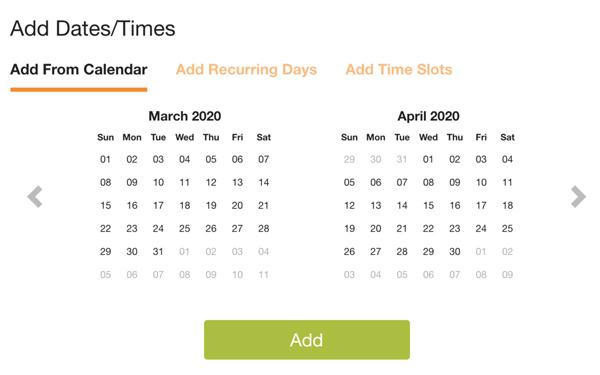
When creating time slots, select the Sort by Date option. This way, all of your conference times will be sorted. Then select Add Dates to create dates and times for video conferences. If you are generating multiple recurring dates and times on sign ups, select either Add Recurring Days or to have the system automatically generate .