Top Free Features in SignUpGenius You Should Be Using
 Posted by Trey Mosier
Date:01/30/2020
 Posted by Trey Mosier
If you run recurring events, the duplicate feature saves real time. It creates an exact copy of an existing sign up, minus the participant names, so you have a clean starting point each time. Open the copy, update your dates and any changed details, and publish. That's it.

Genius Tip
If you run monthly sign ups, build one sign up, then duplicate it for each upcoming month. Premium plan users can combine those copies using the Tabbing feature so participants find everything in one place.
Need to hand off a sign up to another organizer? You can transfer ownership of any sign up, including active ones, directly from your account. The recipient immediately becomes the owner and can manage everything from their own dashboard. You can also transfer a copy if you want to keep your original and share a version with someone else.
Reports pull all participant data from one or more sign ups into a single view. You can see contact information, slot selections, and responses to any custom questions you included. Reports can be exported to Excel for further formatting or saved for your records.
Genius Tip
Premium plans include a Volunteer Hours report that automatically totals service hours across one or more sign ups, which is helpful for recognition programs or grant reporting.
Your index page lists all of your active sign ups in one place. Share the link directly with your group, or use the web button feature to add a clickable button to your website that points there. This is a practical way to keep participation organized when you manage multiple sign ups at once.
An access code adds a layer of privacy to your sign up by requiring visitors to enter a code before they can view the page. This is useful for internal events, staff scheduling, or any situation where you want to control who can see the sign up details. It works well alongside the name-hiding option for extra coverage.
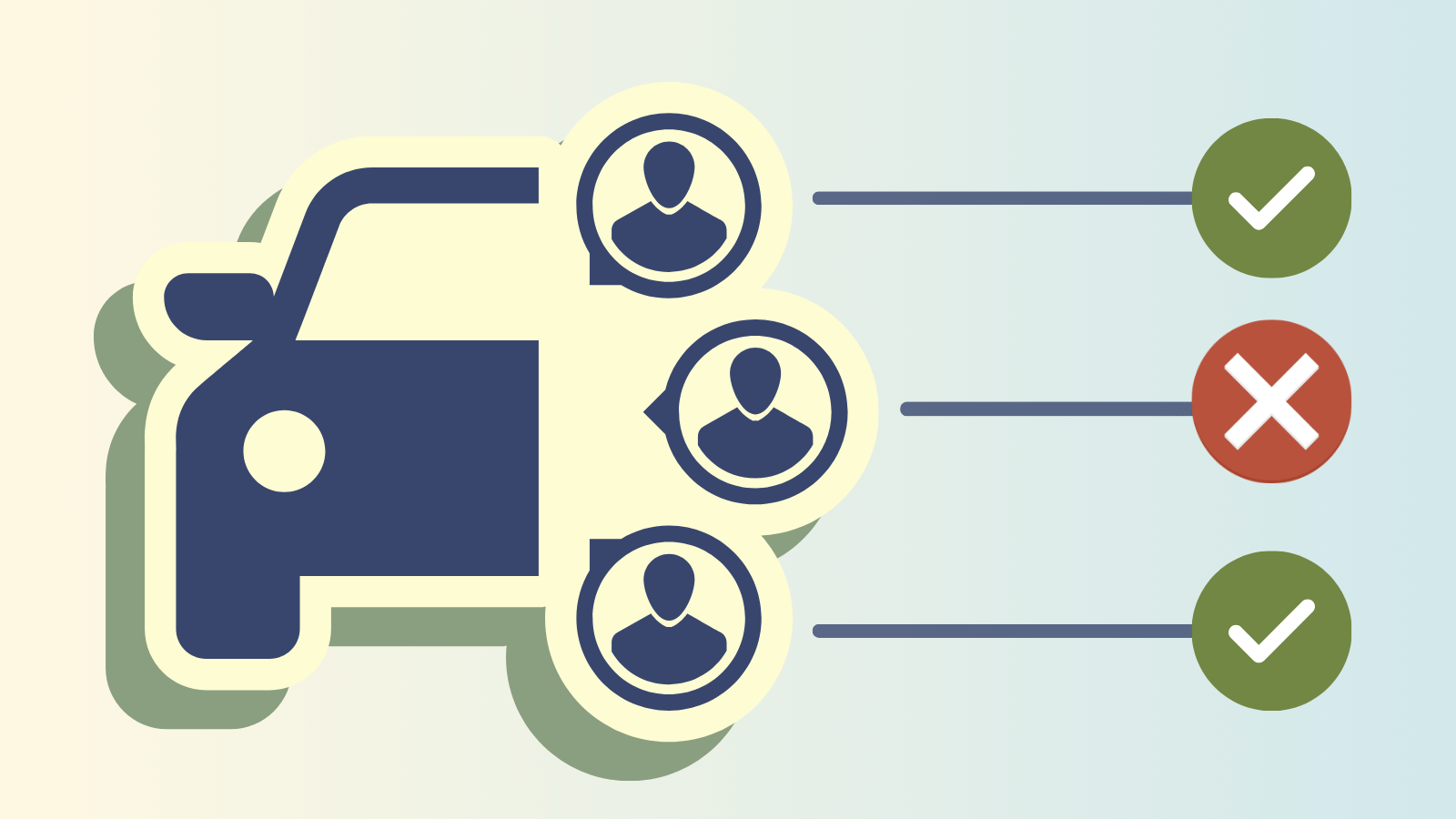
When you need precise control over who can register, this feature restricts participation to a defined list of email addresses. Add your group's addresses, assign that group to the sign up, and anyone not on the list will be blocked from completing a slot.
One important note: if someone tries to sign up using a different email address than the one on your list, their registration will be rejected. When sending invitations, remind participants to use the exact address you have on file.
A custom image makes your sign up feel more personal and on-brand. Upload your own photo or graphic directly to the sign up to give it a distinct look. If you want more visual control, Premium plans include a custom theme builder where you can upload multiple images and choose colors for buttons, text, and backgrounds.
Turn participation into a contact list by enabling the option to automatically add participant email addresses to a group list. This is helpful for building a volunteer base, sending follow-up notes, or growing a list for future events. You can also connect to third-party tools using SignUpGenius integrations to sync collected addresses with other apps you use.
Every participant receives an automatic confirmation email as soon as they sign up. You can also schedule reminder emails to go out automatically before the event date, which reduces no-shows without any extra follow-up on your part. If you need to customize the wording of those emails or attach documents, that option is available on Premium plans.
Want more control over your communications?
Premium plans let you customize confirmation and reminder emails and attach documents directly, so participants have everything they need before the event.
Compare plansAs the sign up creator, you have full control over participant slots. From the admin toolbar, you can add someone to a slot before the sign up goes public, remove a participant who has canceled, or edit an existing registration on their behalf. This keeps your sign up accurate without requiring participants to make changes themselves.
What features are included in the free SignUpGenius plan?
The free plan includes sign up creation, duplicate and transfer tools, participant reports, access codes, email-restricted sign ups, automatic confirmation and reminder emails, custom image uploads, and full admin controls. It covers the core tools most organizers need to run their events well.
Can I transfer a sign up to someone who does not have a SignUpGenius account?
The recipient will need a SignUpGenius account to receive and manage the transferred sign up. Once they have an account, the transfer process is straightforward and gives them full ownership right away.
How does the access code feature work?
When you add an access code to a sign up, anyone who visits the sign up link will be prompted to enter the code before they can view the page. Only people you share the code with can proceed. This is separate from the email restriction feature, and the two can be used together for additional privacy.
What is the difference between an access code and restricting sign ups by email address?
An access code limits who can view the sign up page. Restricting by email address limits who can actually complete a registration, even if they reach the page. For the tightest control, use both together.
Can I export participant data from my sign ups?
Yes. Reports can be exported to Excel so you can sort, format, or store the data however you need. Reports pull from one or more sign ups at a time and include contact details, slot selections, and custom question responses.
What happens if someone tries to sign up with an email address that is not on my approved list?
Their registration will be rejected automatically. It is a good idea to send invitations to the exact addresses on your list and remind recipients to use that address when signing up.
Email, Text & Messaging Features to Save Time
The messaging tools built into your account let you reach participants quickly, keep everyone informed, and track whether your messages are actually landing.
Read moreTry a Free Trial
Start a 10-day free trial and experience how much easier organizing can be when the right tools are in place.
Read moreWe use SignUpGenius for a variety of things — trainings, volunteer sheets for almost all our events on property and group interviews for potential team members in the hiring and interviewing process. It is an easy way for us to keep all the sign in sheets electronically in one place for admins to access the account instead of having a paper system.
Abby Brown