How to Link Multiple Sign Ups with Tab Groups
Give participants one place to navigate between related sign ups, instead of juggling separate links.
 Posted by Trey Mosier
Date:04/21/2026
 Posted by Trey Mosier
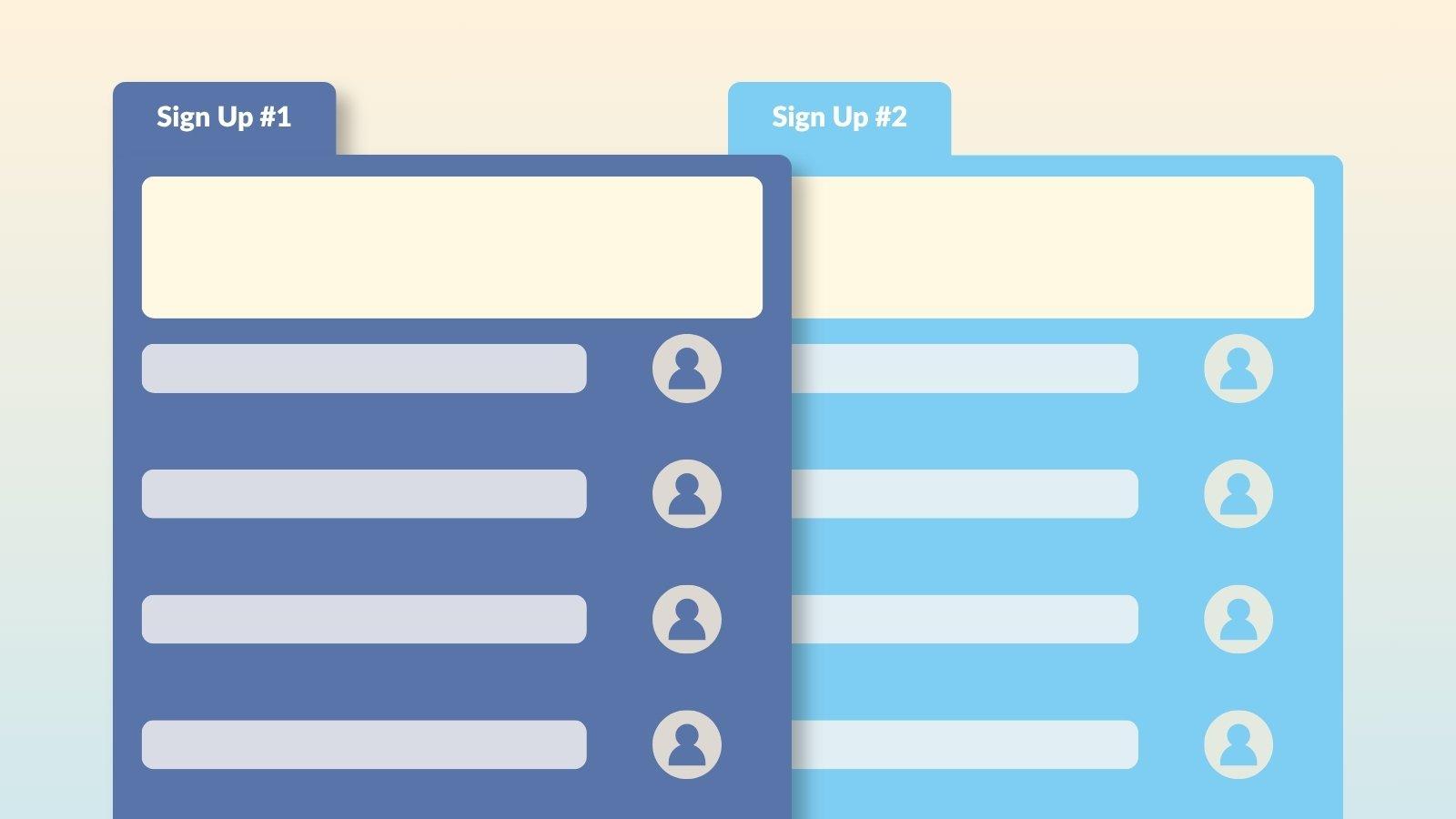
If you're managing several related sign ups, a yearlong volunteer effort, a series of shifts, or a few different opportunities for the same group, Gold plans and above let you link them together into a tab group. Participants navigate between them from one shared page, instead of juggling separate links for each one.
Tab Groups Are Easy to Update
Created a new sign up you want to include later? Edit your tab group anytime from the same Tools menu to add it, or remove a sign up if it becomes outdated or irrelevant.
Tab groups work well anytime participants need to choose between more than one related sign up. A few common examples:
Is creating a tab group a paid feature?
Yes. Tab groups are available on Gold plans and above.
Can I add a sign up to a tab group after I've already created it?
Yes. Edit your tab group anytime from the Tools menu to add or remove sign ups.
Can one sign up belong to more than one tab group?
No. A sign up can only be assigned to one tab group at a time.
What happens if I delete a tab group?
The sign ups themselves aren't affected. They're just no longer linked together in a shared tabbed view.
I just love using SignUpGenius. It works so well, especially with the ability to create reports. You guys really know how to put this kind of support site together because I have been looking for a very user-friendly and 'do all' volunteer-hours tracking system. After checking and trying to use eight different ones, yours is definitely the top! The Knights of Columbus Council and our parish are quite impressed with your system! Thanks so much for making my life a lot easier!
Deb Ramirez